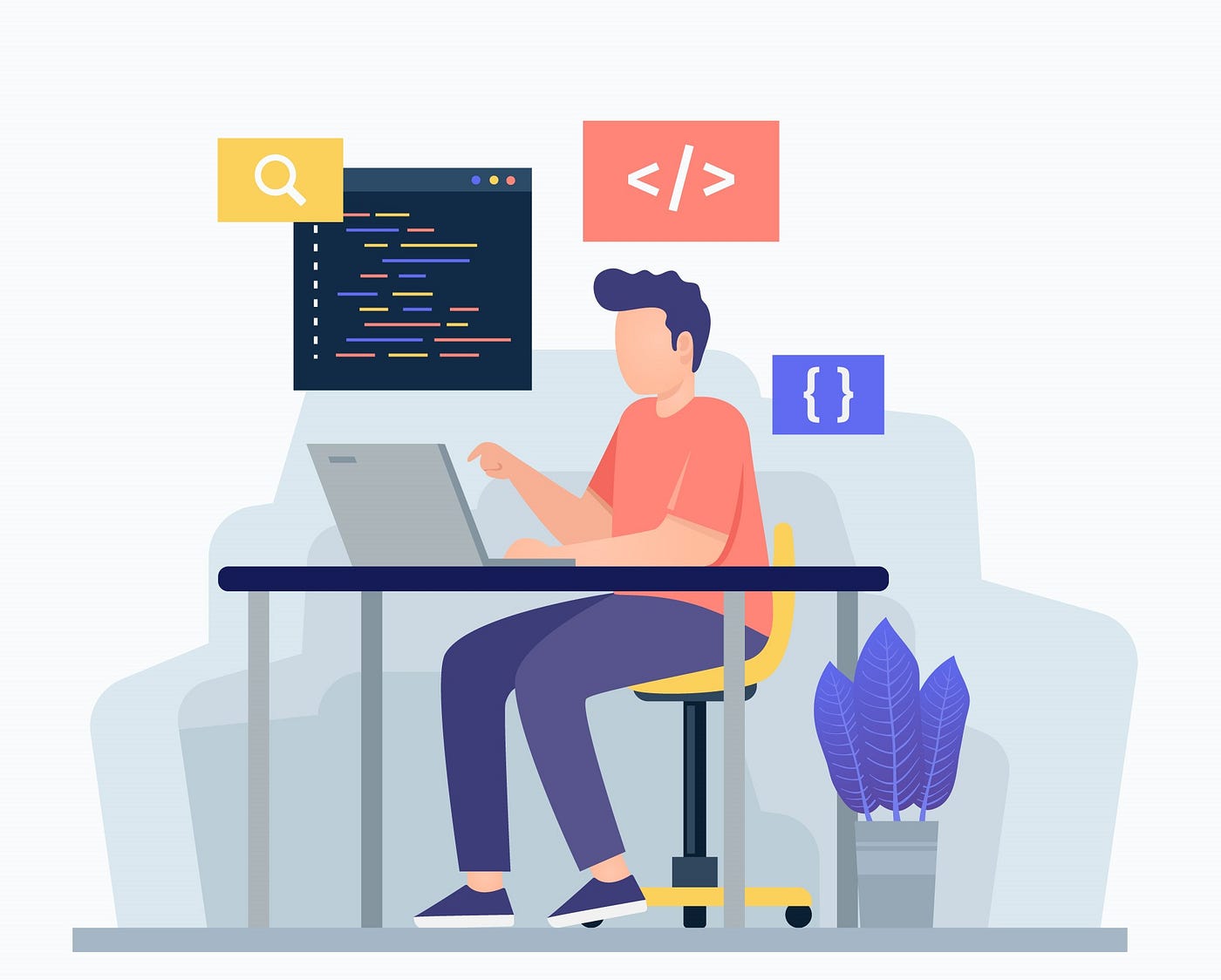
What Does a Front-End Software Engineer Do?
A front-end software engineer builds the parts of websites and applications that people see and interact with. From navigation menus and forms to responsive layouts and interactive features, front-end engineers turn designs and requirements into usable digital experiences.
Key Responsibilities
The role combines programming, design awareness, and problem-solving. Common responsibilities include:
- Building website and app interfaces with technologies such as HTML, CSS, and JavaScript.
- Creating reusable components and maintaining front-end code.
- Making interfaces work across different screen sizes, browsers, and devices.
- Connecting user interfaces to APIs and other back-end services.
- Improving performance, accessibility, and usability.
- Testing and debugging features before and after release.
- Working with designers, product managers, and back-end engineers.
Essential Skills and Technologies
HTML provides the structure of a page, CSS controls its appearance, and JavaScript adds behavior and interactivity. Many teams also use frameworks and libraries such as React, Angular, or Vue to build larger applications. The specific tools vary by company and project.
Technical knowledge is only part of the job. Front-end engineers also benefit from attention to detail, clear communication, curiosity, and the ability to break complex problems into manageable steps. Understanding accessibility and user experience helps them build products that work for a wider range of people.
Front-End Engineering in Practice
Consider an online checkout page. A front-end engineer might build the form, provide helpful feedback when information is missing, make the layout easy to use on a phone, and connect the page to services that process orders. They may also work with designers to match the intended visual style and with back-end engineers to handle data securely.
Throughout a project, front-end engineers often review designs, plan implementation, write and test code, and refine the interface based on feedback. Their work continues after launch, too: they may fix bugs, improve load times, and update features as user needs change.
How to Become a Front-End Software Engineer
There is no single path into the profession. Some people study computer science or software engineering, while others learn through online courses, boot camps, or independent projects. A strong foundation in HTML, CSS, and JavaScript is a practical starting point.
Building projects is an effective way to apply those skills. A portfolio might include a responsive personal website, an interactive dashboard, or a small application that uses an API. Reviewing code, learning version control with Git, and practicing testing can also help prepare for team-based work.
Why the Role Matters
The front end is often where people form their impression of a digital product. A thoughtful interface can make a service easier to understand and use, while a slow or confusing one can create frustration. Front-end software engineers help bridge technology and people by making digital tools functional, accessible, and engaging.
Conclusion
Front-end software engineering is a hands-on, evolving field that blends programming with practical design judgment. For people who enjoy building visible features and improving how others use technology, it can be a rewarding career with opportunities across industries and product types.
8 Essential Tips for Excelling as a Front-End Software Engineer
- Build strong HTML, CSS, and JavaScript fundamentals.
- Learn a modern framework like React, Vue, or Angular.
- Make every interface responsive and accessible.
- Write clean, reusable components.
- Test across browsers and screen sizes.
- Use version control, especially Git.
- Optimize loading speed and runtime performance.
- Communicate clearly with designers and backend engineers.
Build strong HTML, CSS, and JavaScript fundamentals.
Building strong HTML, CSS, and JavaScript fundamentals is one of the best ways to prepare for a front-end software engineering career. HTML gives web pages structure, CSS controls their layout and appearance, and JavaScript adds interactivity and dynamic behavior. A solid grasp of these core technologies makes it easier to troubleshoot issues, create accessible and responsive interfaces, and learn frameworks such as React, Vue, or Angular. Practice by building small projects, experimenting with different layouts, and refining your code as your skills grow.
Learn a modern framework like React, Vue, or Angular.
Learning a modern framework like React, Vue, or Angular can help front-end software engineers build interactive applications more efficiently. These tools provide reusable ways to organize interface components, manage data, and respond to user actions. Rather than trying to master every framework at once, choose one, learn its core concepts, and apply them in a small project. The experience will also make it easier to understand other frameworks and collaborate with teams that use them.
Make every interface responsive and accessible.
Make every interface responsive and accessible so people can use it comfortably across devices and abilities. Use flexible layouts that adapt to different screen sizes, and check that text, controls, and navigation remain easy to read and operate on touchscreens. Support keyboard navigation, add meaningful labels and alternative text, maintain sufficient color contrast, and use semantic HTML. Testing with accessibility tools and real users can reveal barriers early and help create a better experience for everyone.
Write clean, reusable components.
Writing clean, reusable components helps front-end software engineers build interfaces that are easier to maintain, test, and expand. Keep each component focused on a clear responsibility, use descriptive names, and avoid duplicating the same logic or markup across multiple parts of an application. Reusable components can speed up development and make the user experience more consistent, while clear, well-organized code helps teammates understand and update the project with confidence.
Test across browsers and screen sizes.
Test your front-end work across multiple browsers and screen sizes to make sure it looks and behaves as expected for all users. Differences in browser rendering, device capabilities, and viewport dimensions can affect layouts, typography, and interactive features. Check common desktop and mobile browsers, resize the viewport, and test on real devices when possible. Catching issues early helps you deliver a more consistent, accessible, and reliable experience.
Use version control, especially Git.
Use version control, especially Git, to track changes to your code and make collaboration safer and more efficient. Commit small, focused updates with clear messages so you and your teammates can understand what changed and why. Git also makes it easier to work on features in separate branches, review contributions, and restore an earlier version if a change causes problems. These habits help keep front-end projects organized as they grow.
Optimize loading speed and runtime performance.
Optimizing loading speed and runtime performance helps create smoother, more engaging user experiences. Front-end software engineers can reduce JavaScript and CSS bundle sizes, compress images, lazy-load content that isn’t immediately needed, and minimize unnecessary network requests. They can also improve runtime performance by avoiding excessive re-renders, handling large lists efficiently, and profiling the application to identify bottlenecks. Regular testing on different devices and network conditions helps ensure the interface stays fast and responsive for a wide range of users.
Communicate clearly with designers and backend engineers.
Clear communication with designers and back-end engineers helps front-end software engineers turn ideas into reliable, polished features. Discuss design details, accessibility needs, and responsive behavior early, and clarify how APIs, data, and error handling should work. Sharing progress, asking questions, and raising concerns promptly can prevent misunderstandings, reduce rework, and help the whole team deliver a better user experience.